


- Hign-concerned Chemical: None
- Zoom type: None
- Zoom: None
- Lens Quantity: Single Lens
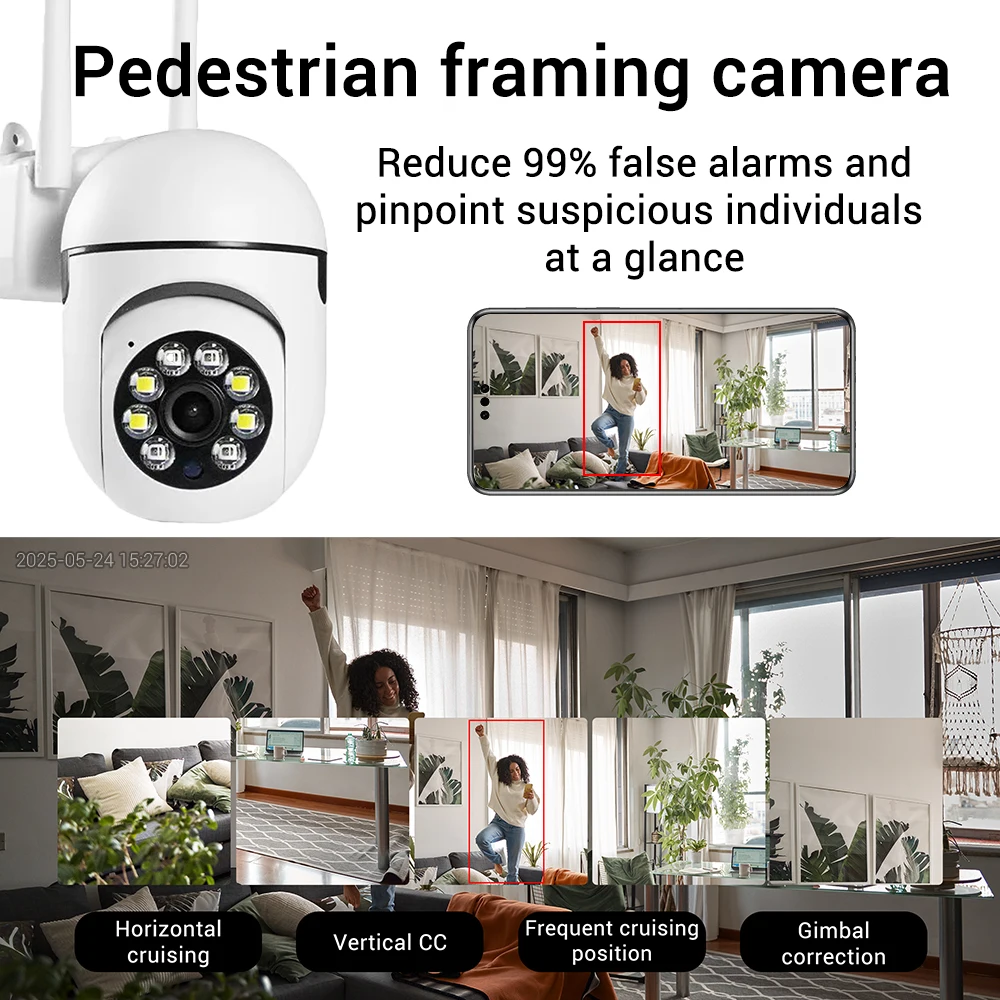
- AI Functions: Smart Tracking
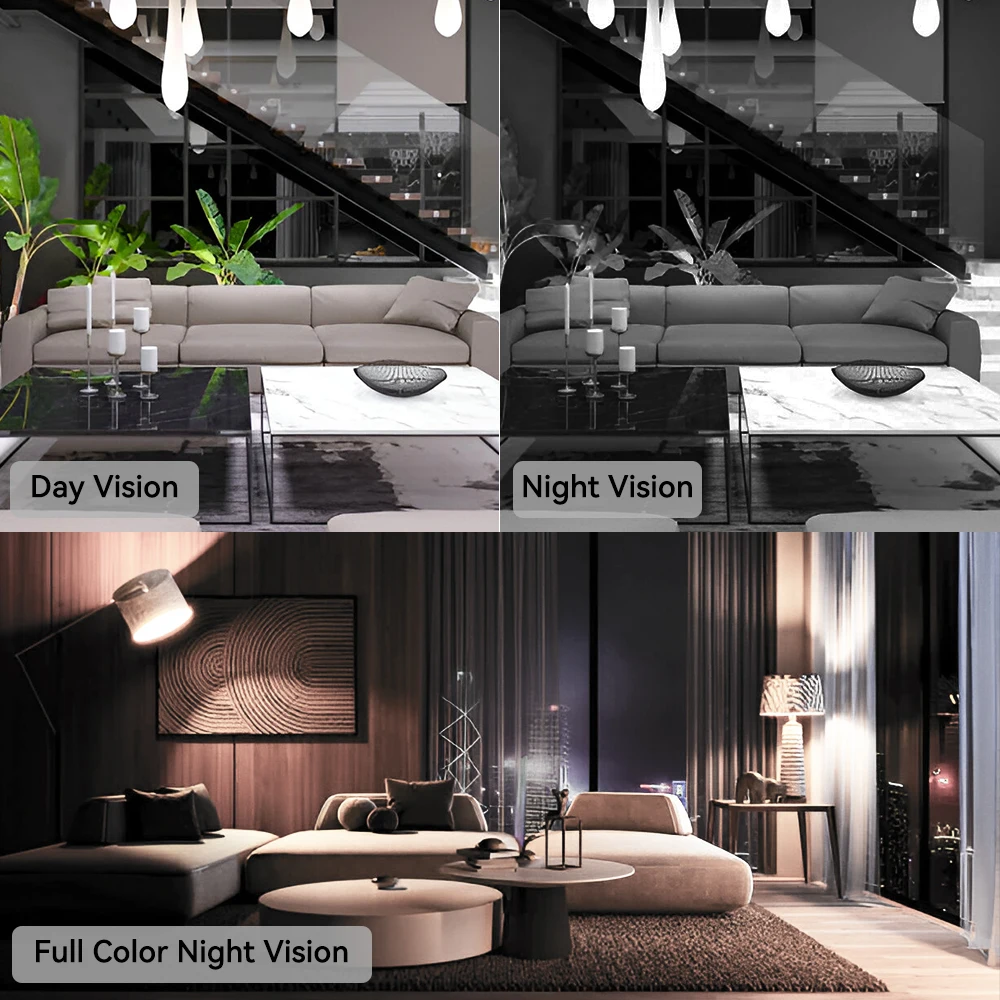
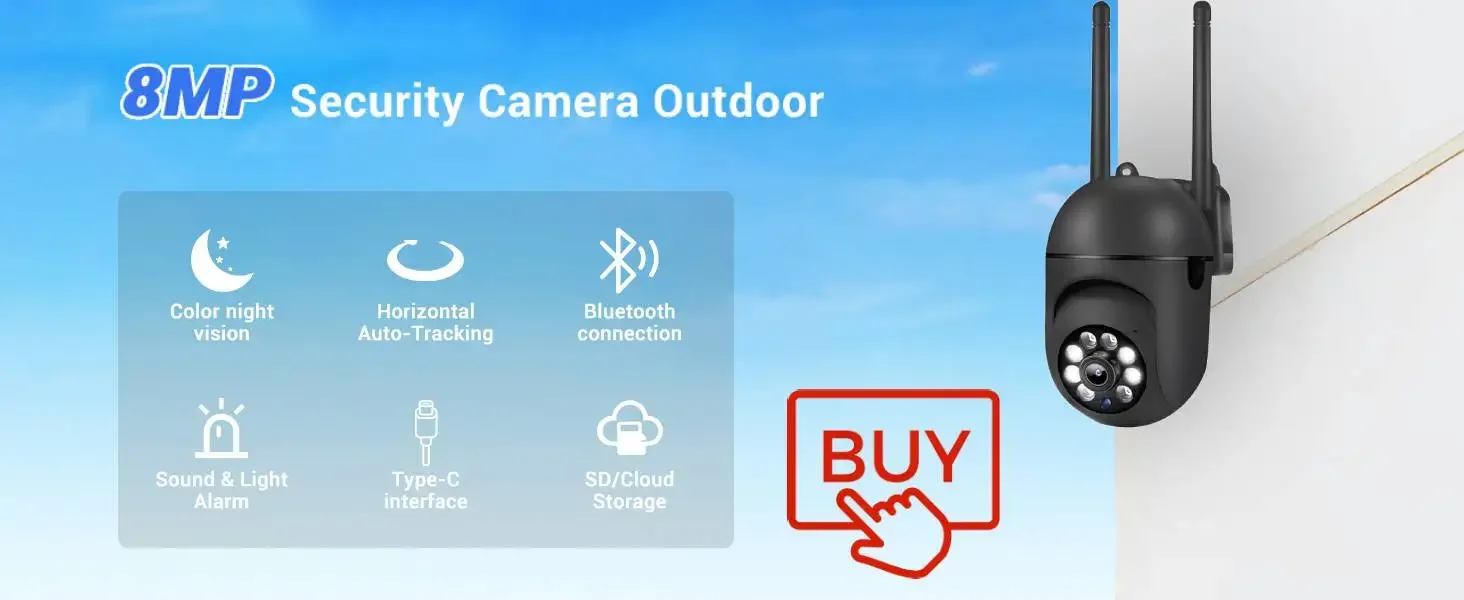
- Color Night Vision: Yes
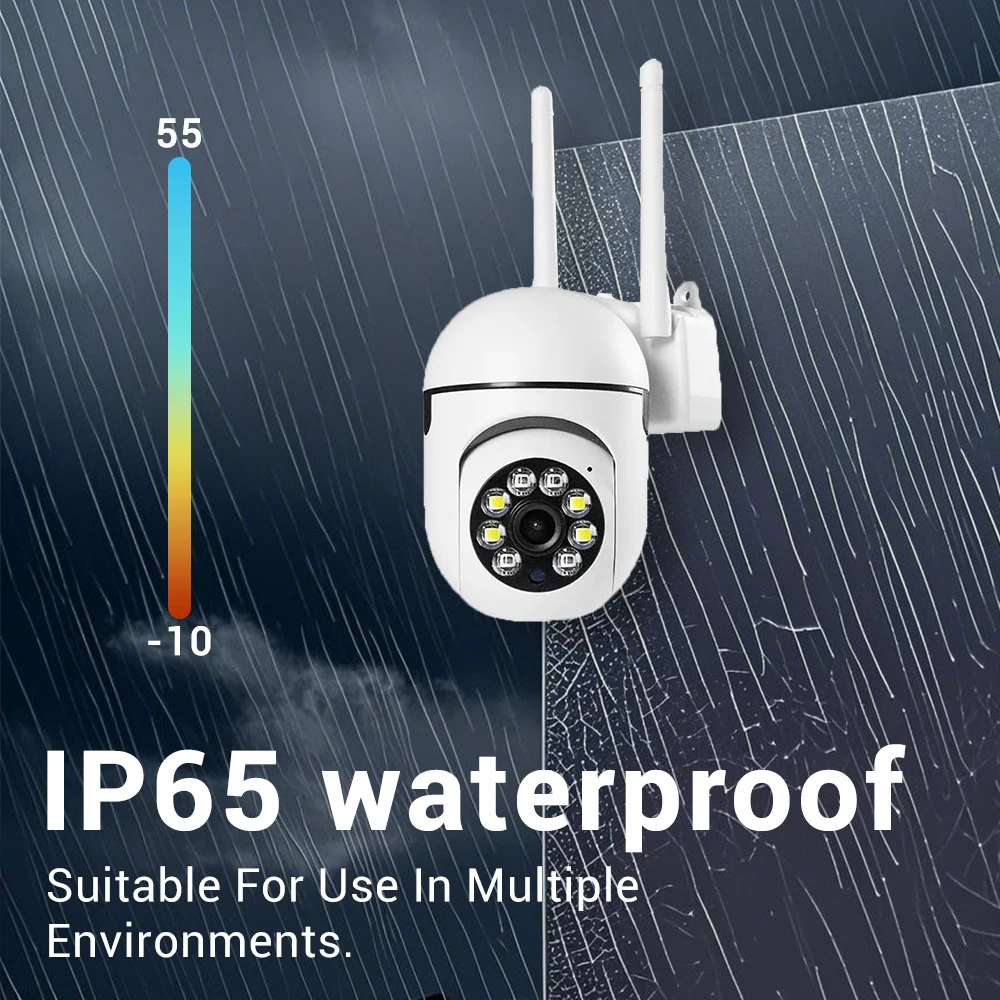
- Operating Temperature: -10°-60°
- IP Rating: IP66
- App name: other
- Rechargeable Battery Capability: other
- Scene: Indoor
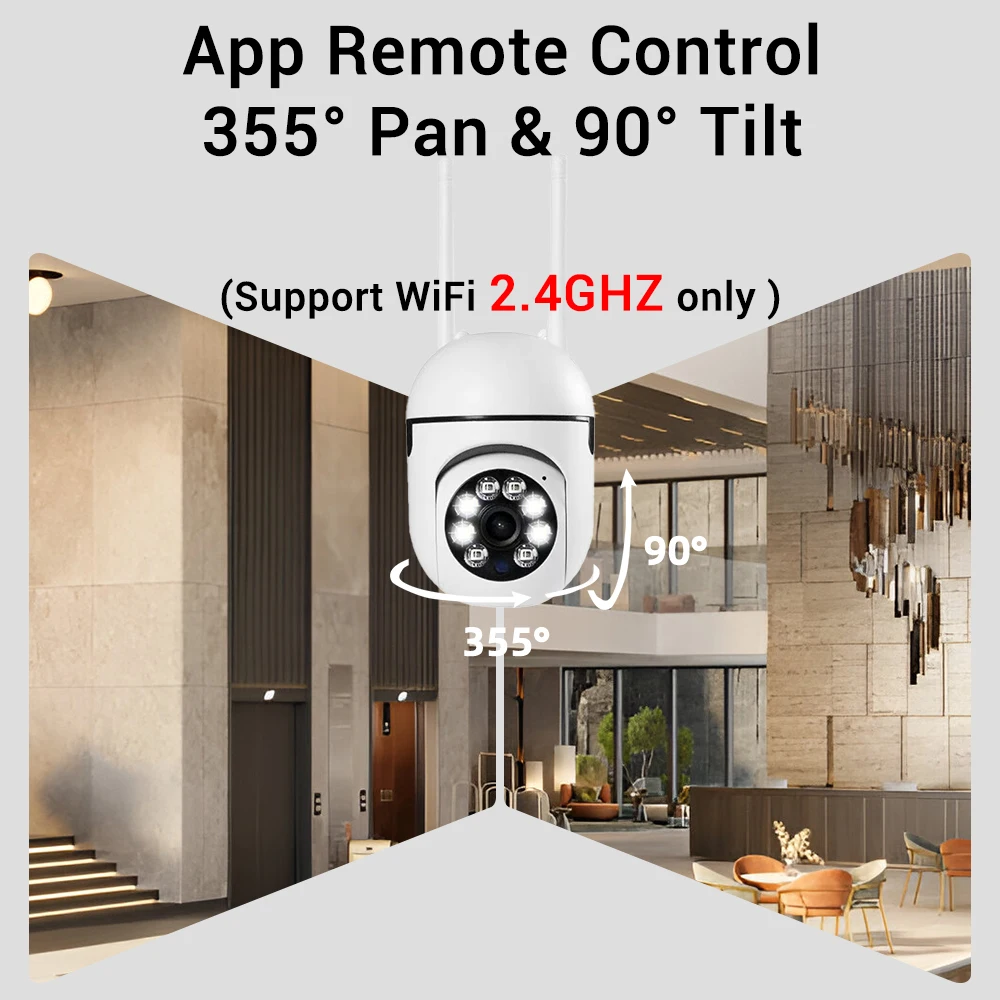
- Movement Range(Tilt): other
- Movement Range(Pan): other
- Pixel: 2MP
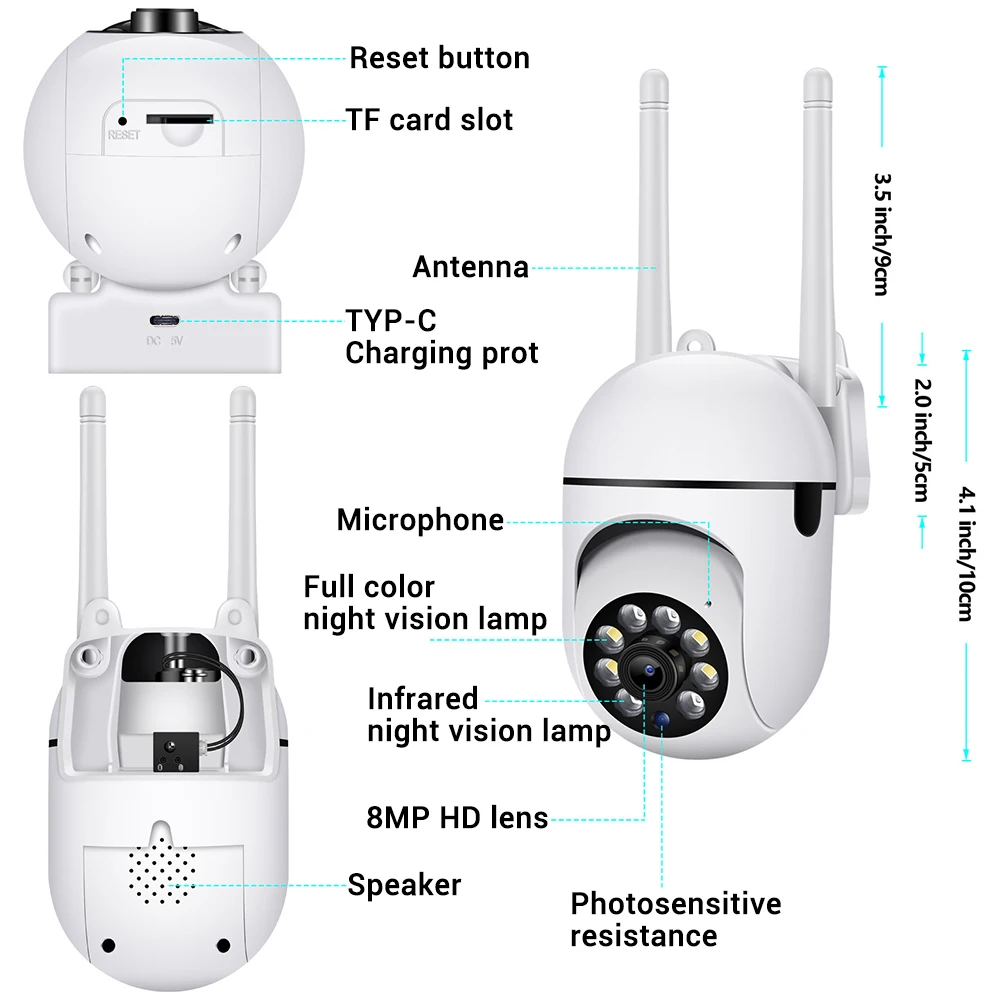
- TF Card: 128G TF Card
- Power Supply: Normal
- Internal Storage: None
- Installation: Side
- Color: WHITE
- is_customized: Yes
- Audio Output: TWO WAY AUDIO
- Minimum Illumination(Lux): 0.01LUX
- Viewing Angle (Degree): 150°
- Video Compression Format: H.264
- IR Distance(m): 10M
- Power Supply(V): 5V
- Power Consumption(W): 5W
- Supported Mobile Systems: Windows Mobile,Android,iOS
- Sensor Brand: SONY
- Sensor: CMOS
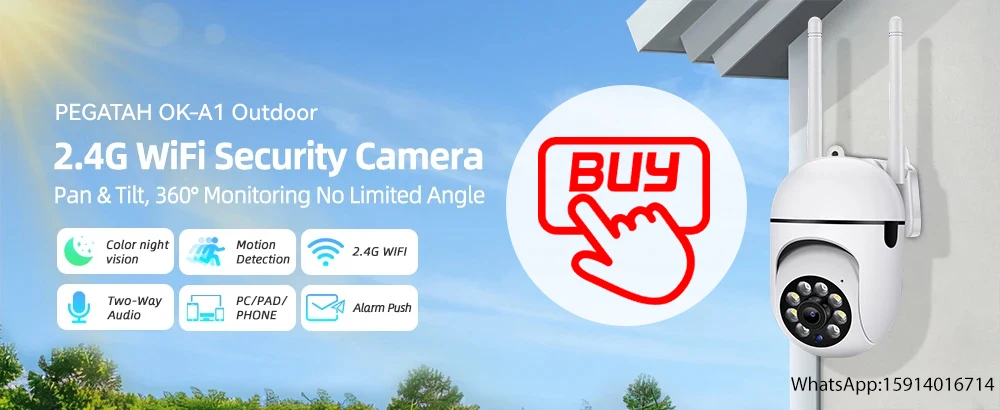
- Model Number: OK-A1/W
- Supported Operating Systems: Windows 7,Windows 8,Windows 10
- Lens (mm): 2mm
- Connectivity: WIFI(2.4GHz)
- High Definition: 1080P(Full-HD)
- Style: Dome Camera
- Brand Name: PEGATAH
- Origin: Mainland China
- Special Features: Vandal-proof
- Certification: CE,KC
- Alarm Type: Local Alarm
- Smart home platform: other
- Price: retail and wholesale prices
- Supply Type: retail, wholesale, dropshipping








FAQ:
1、What is the camera app?
O-Kam pro
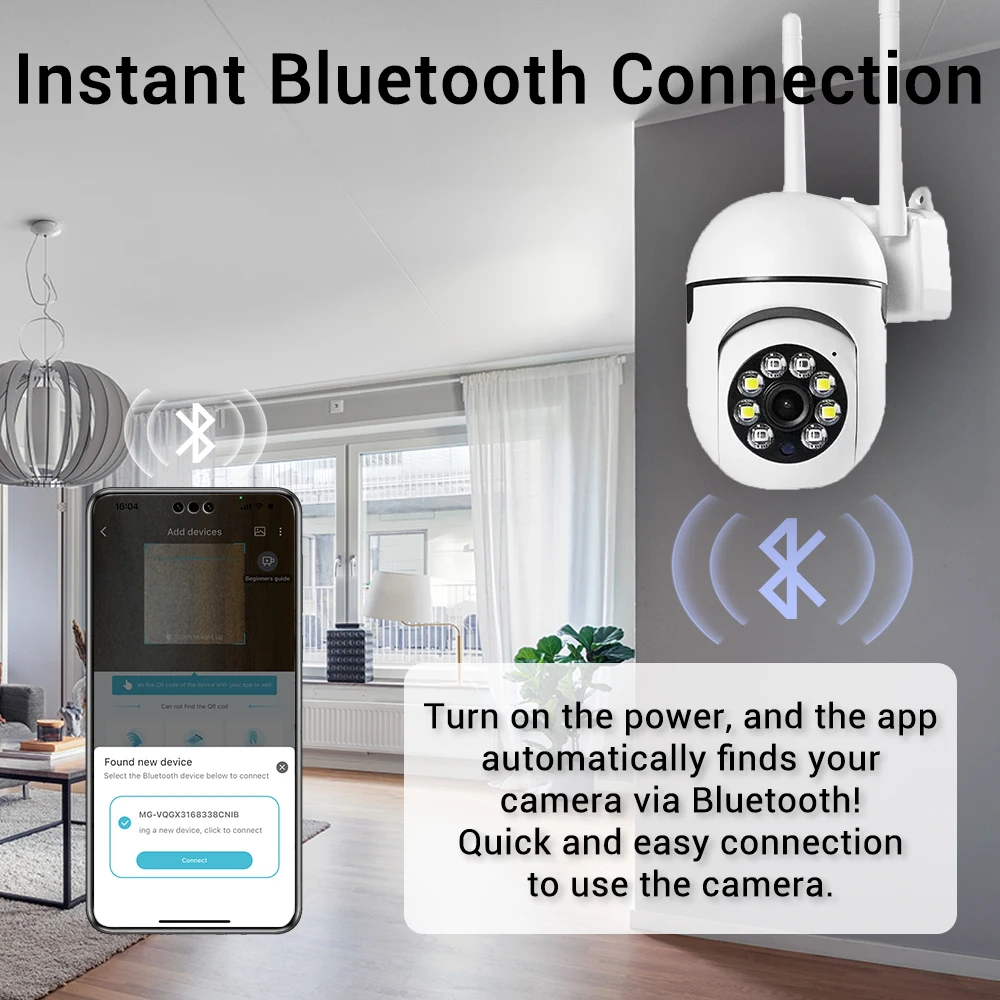
2、To add a device using Bluetooth?
For WiFi cameras, you can add them to the APP via
Bluetooth;
(1) First turn on the Bluetooth of your phone, then open the "O-KAM PRO" APP. There will be a prompt
for Bluetooth device connection on the homepage, orclick "Add", and the window for Bluetooth device
Iconnection will pop up automatically;
(2) Check whether the VUID is consistent, and click "Connect" after confirming that it is consistent.
(3) Select WiFi, enter the password, click "Next",confirm that the WiFi name and password are correct again, and click "Confirm". Display "Connecting" until
the camera makes a "beep" prompt sound.
(4)You can freely name the camera, and then click"Start Experience".
3、How long does the battery last?
The cameras are powered on normally, and if they are disconnected, they will shut down to remove the image and need to be reconnected
4、I can’t get the Qr code registered in the app
You can scan the QR code on the instruction manual to download the O-Kam pro APP, register for an account, and quickly connect to the network via Bluetooth.
5、Works for about no more than 20 seconds before the device resets itself and completely disconnects rendering it useless
When using the camera, the power supply needs to be plugged in tightly, and the camera needs to wait for 30-1 minutes to power on. The camera rotates once and starts to connect
the movement of the camera becomes stuck almost all the time Reason for camera jamming: (1) Unstable network;
(2) To move the camera, hold down the PTZ gimbal for a long time
6、The connection screen appears red. Replacing the power supply with a slightly higher stage is also a symptom.
Find the camera Reset button, press and hold for 10 seconds until the indicator light flashes, re test the network, enter camera settings → turn off ‘manual night vision’ or ‘infrared mode’ → change ‘day night switch’ to ‘automatic’
7、Does it connect to 5G WiFi networks?
Cannot connect to 5G WiFi network, can only connect to 2.4G WiFi network
8If you enter the app, will there be advertisements?
This O-Kam Pro camera will not have advertisements, please feel free to use it
Extremely unsatisfactory image quality.
At night, camera is impossible to see the area covered T
The camera adopts an upgraded version of 8MP ultra high definition picture quality, with night vision function twice as high-definition as other apps. There are 4 night vision modes, and customers need to adjust the settings themselves
10Cable input is defective
We are using an upgraded Type-C charging port.Please use the charging cable we provided


 No products in the cart.
Reviews
There are no reviews yet.