

- Package: Yes
- Built-in Memory Size: Non
- Memory Card Type: MicroSD / TF
- High Definition Support: 1080P (Full-HD)
- Brand Name: SNDWAY
- Origin: Mainland China
- Type: Mini
Note: This product does not support language switching.Does not support camera operation to delete photos and videos, need to connect to computer to delete.
Product features:
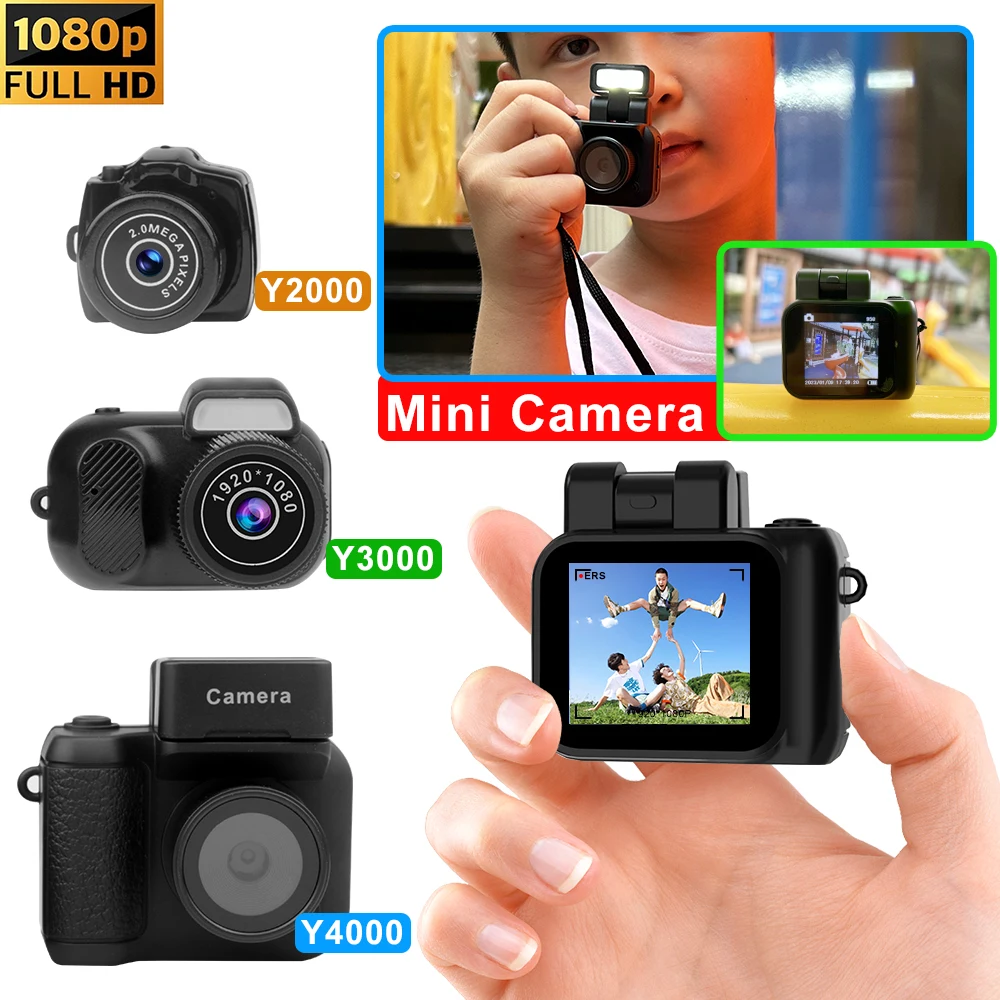
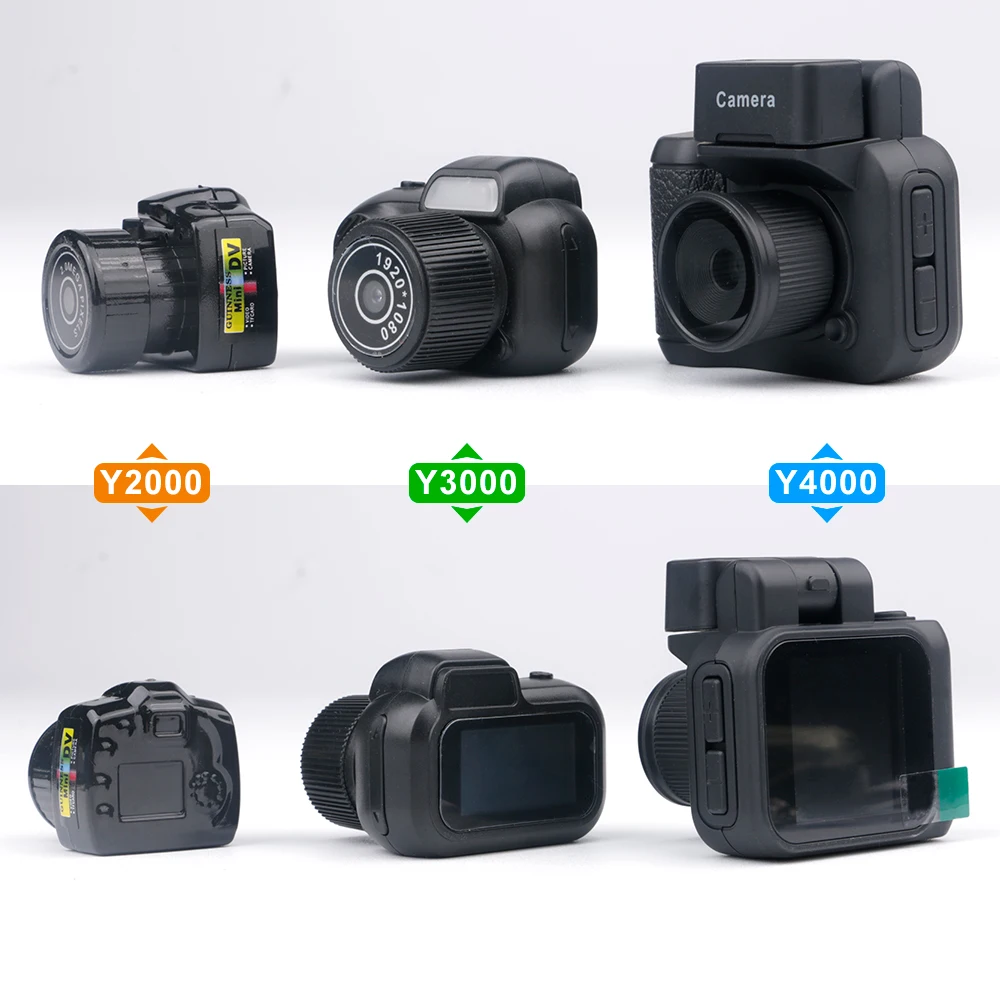
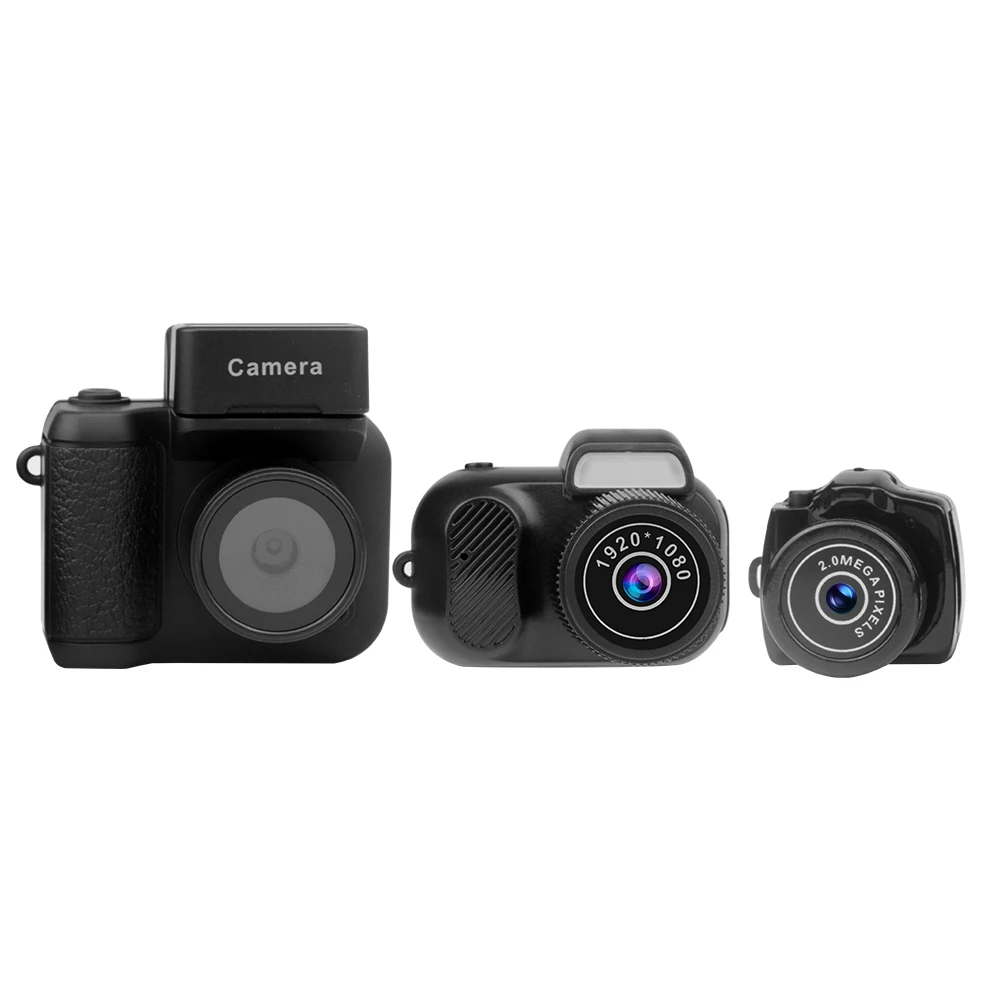
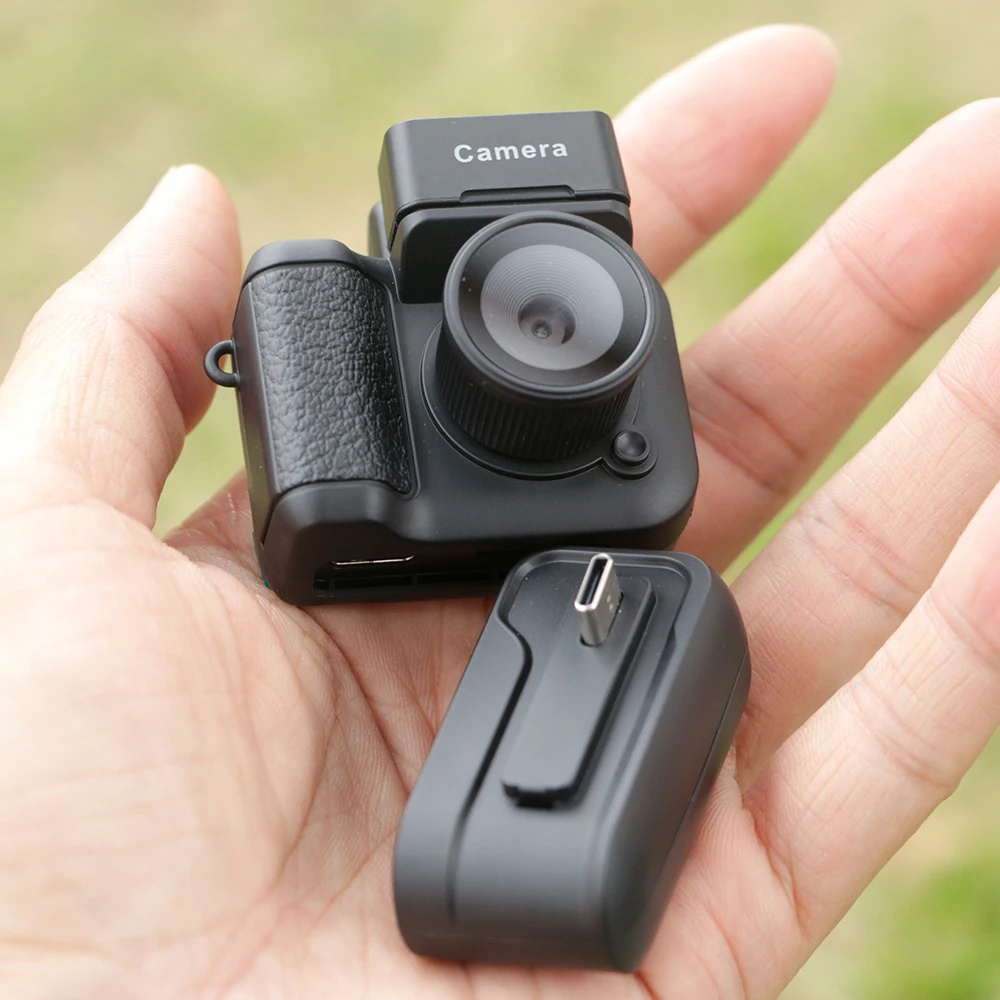
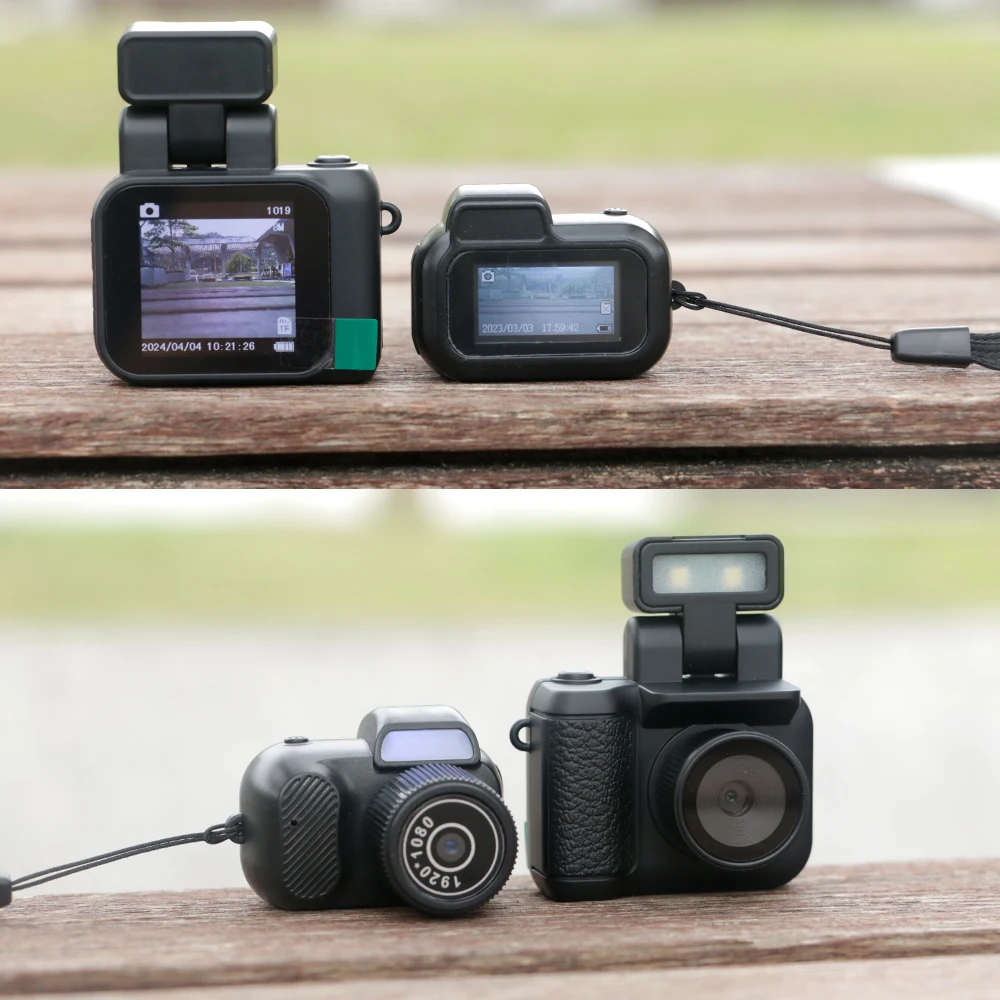
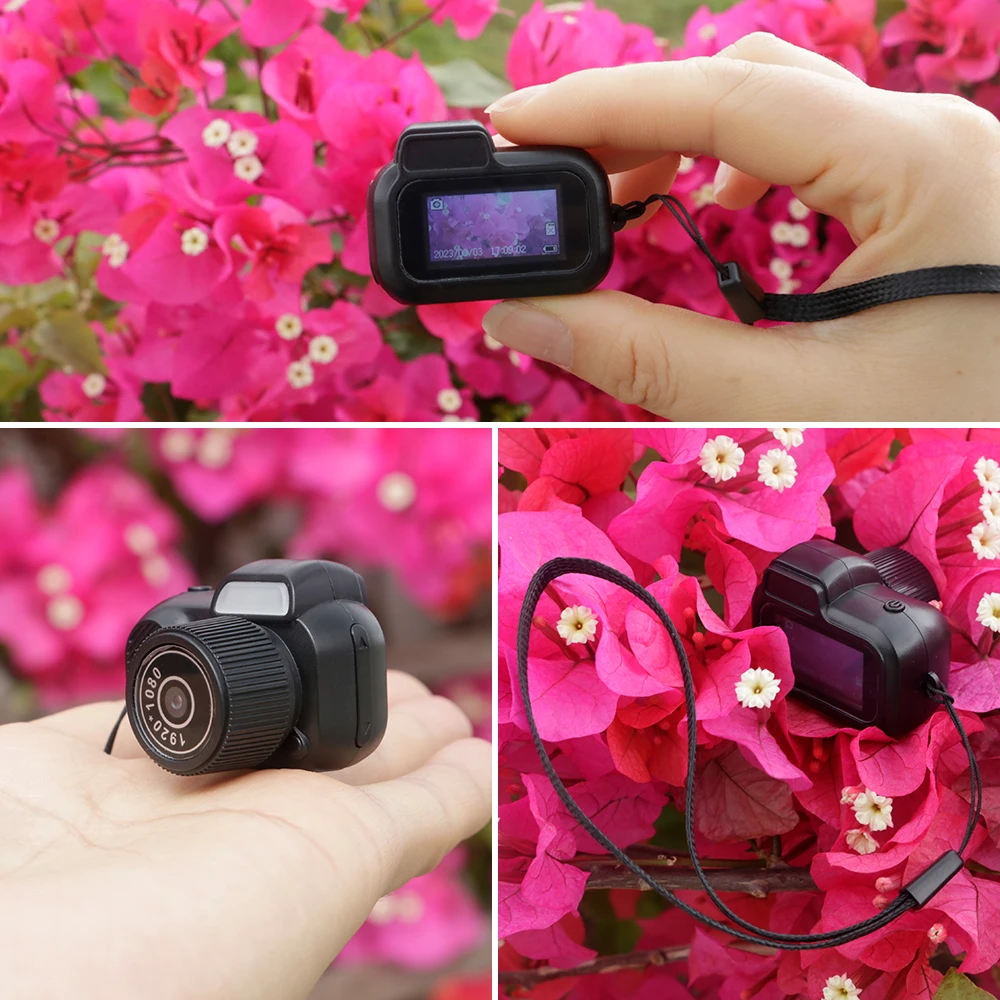
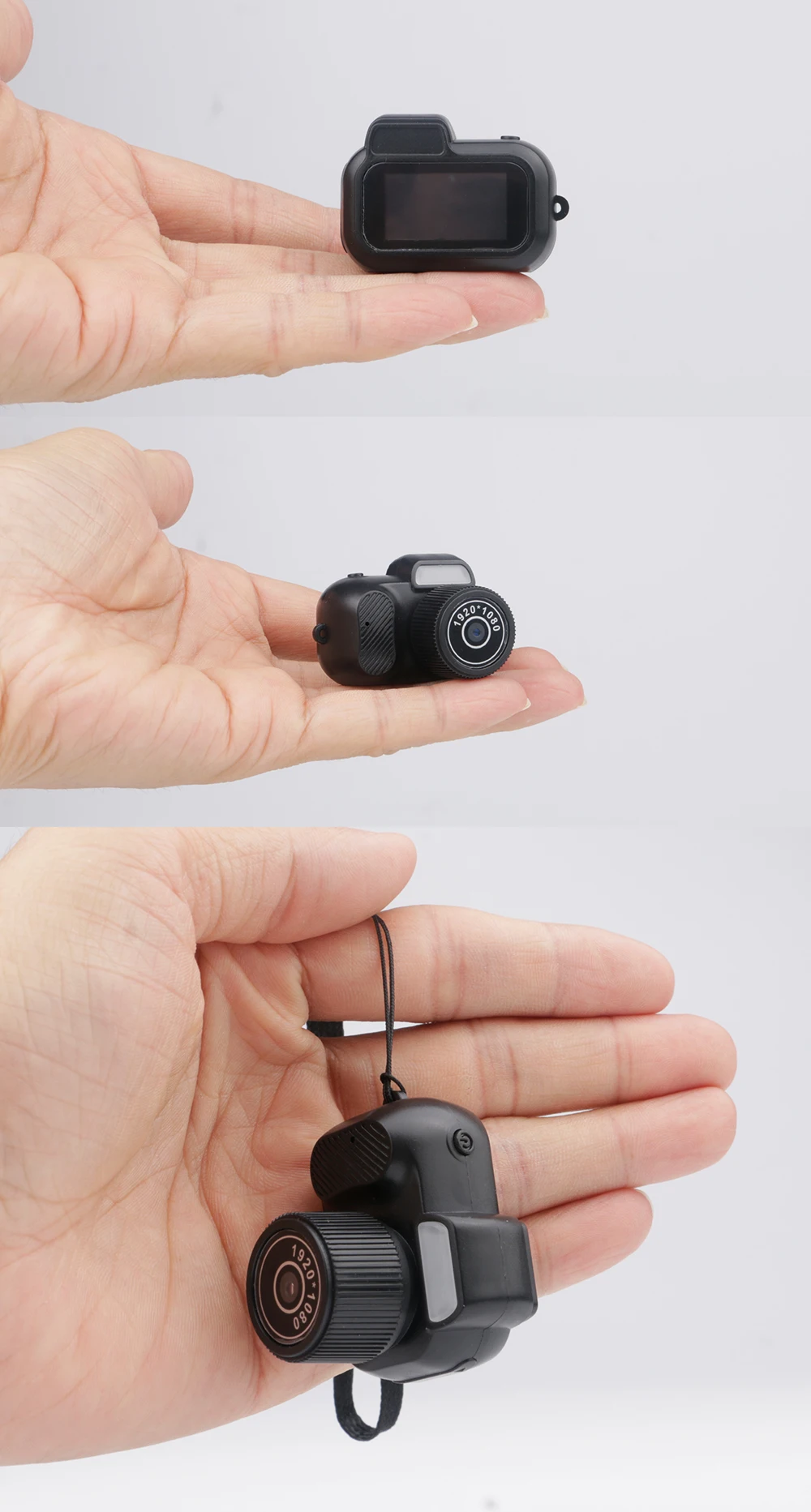
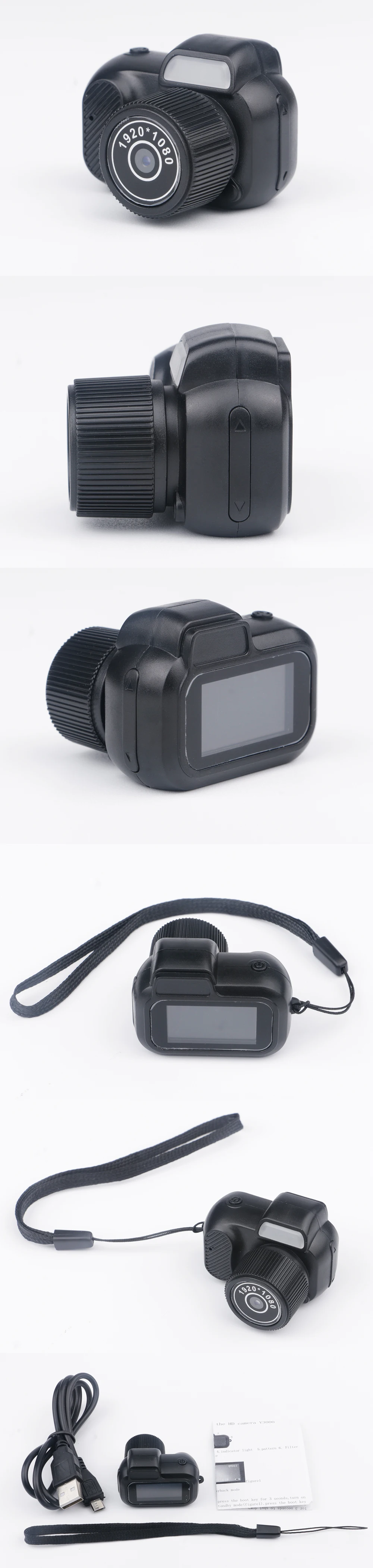
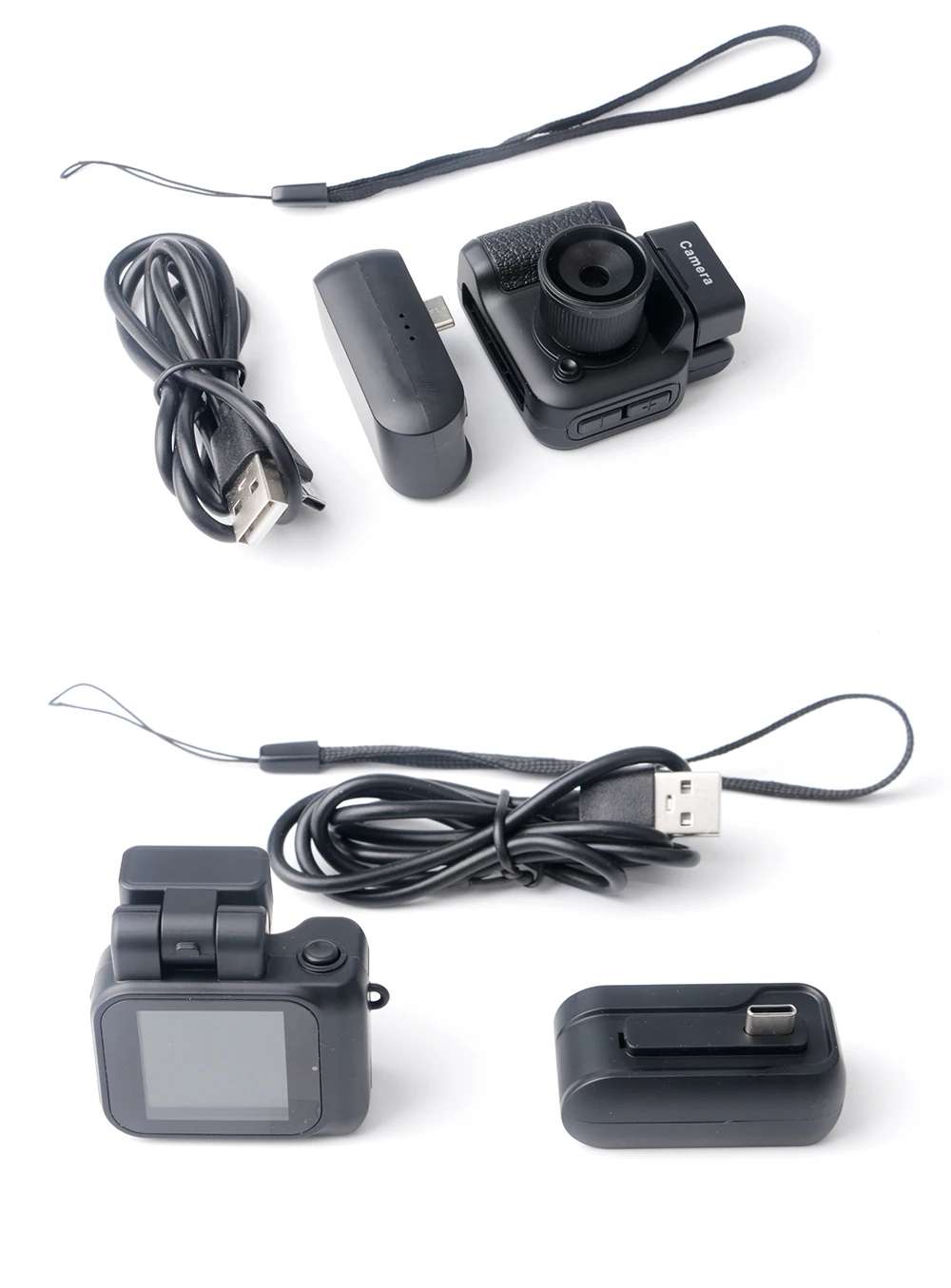
1. [Y2000:640*480P], [Y3000:1920*1080P], [Y4000:1920*1080P] Three different models of mini camcorders are available. You can take photos or videos anytime and anywhere.
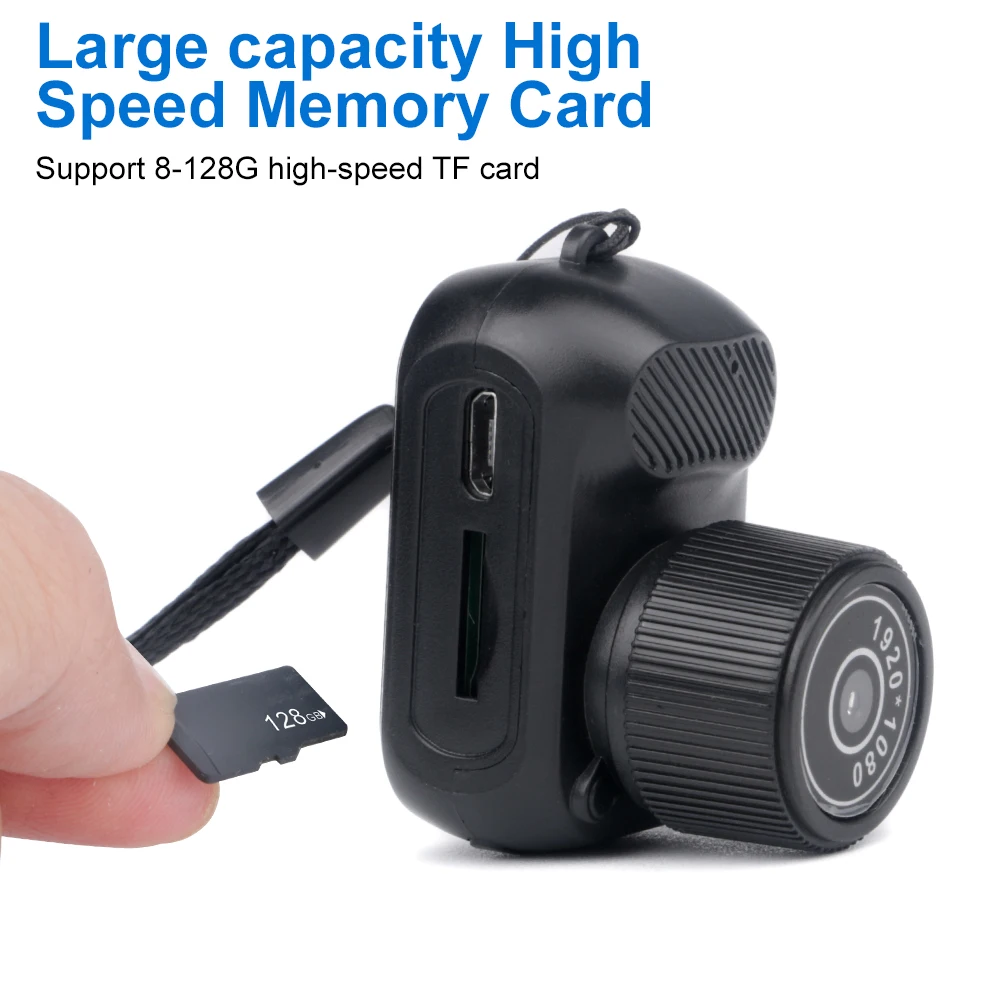
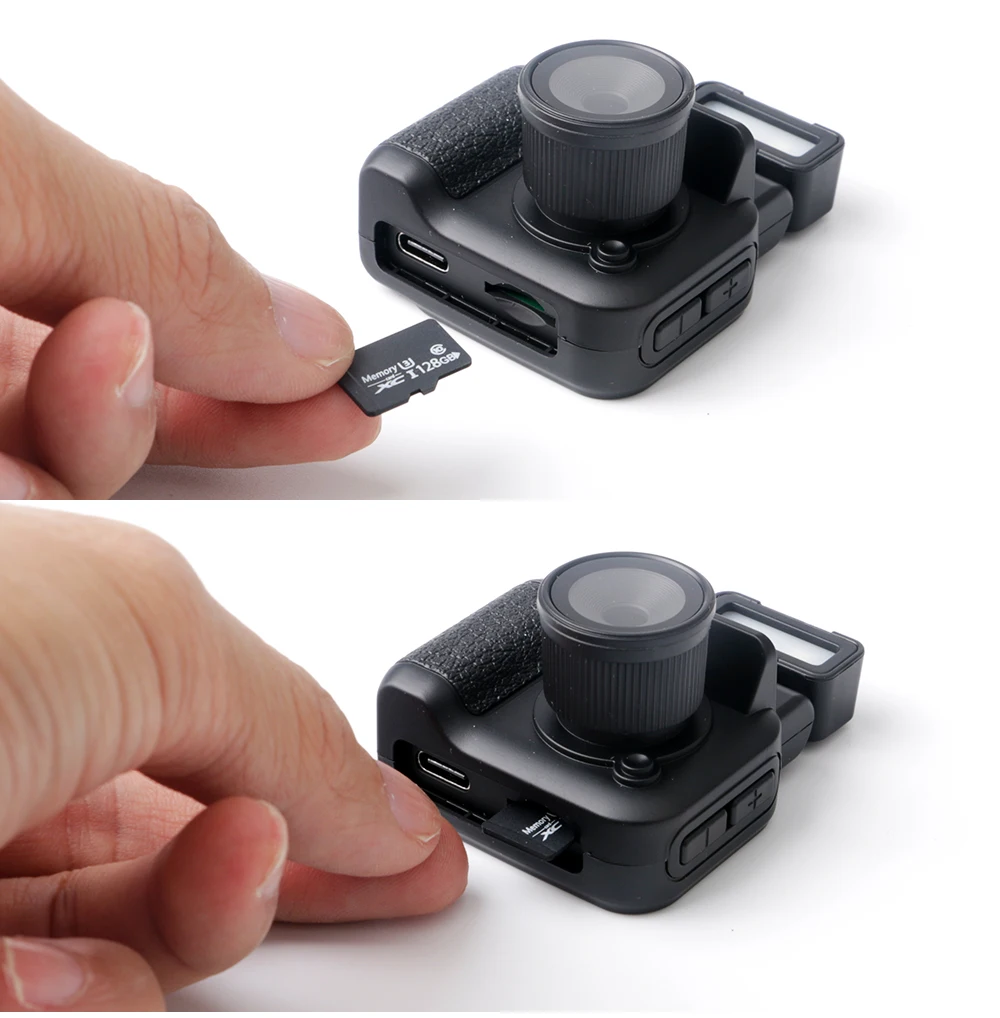
2.Loop video, the mini camcorder supports SD/TF card [Y2000:8-32G], [Y3000:8-128G], [Y4000:8-256G], when the video is full, it will automatically overwrite the previous video.
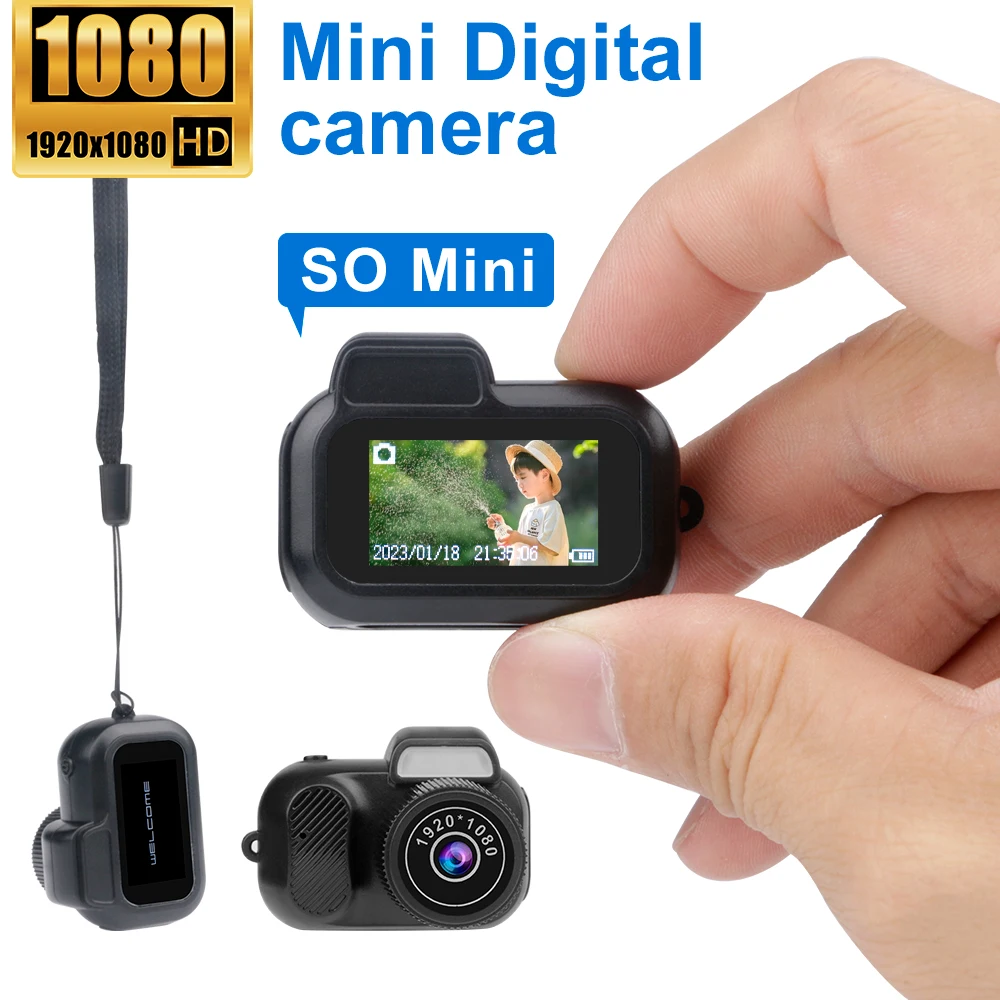
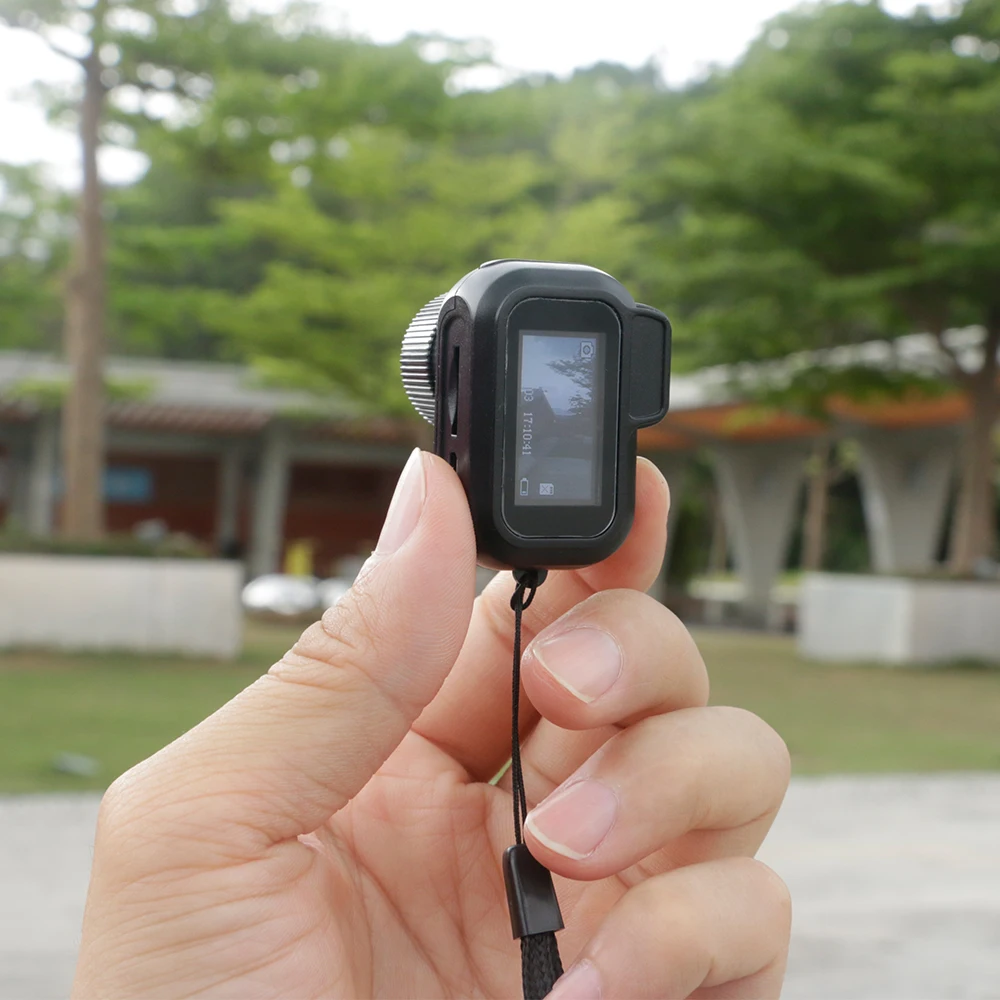
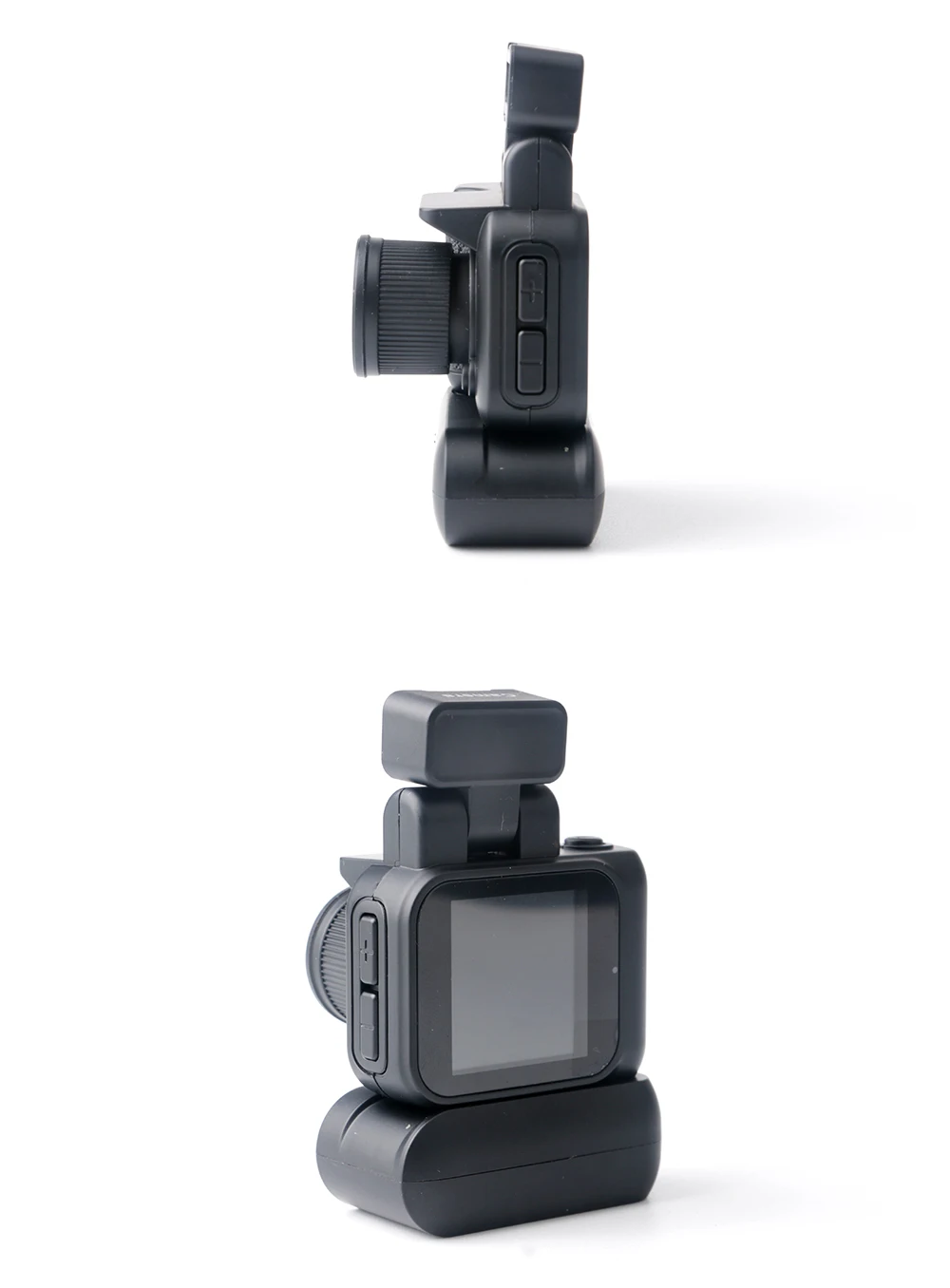
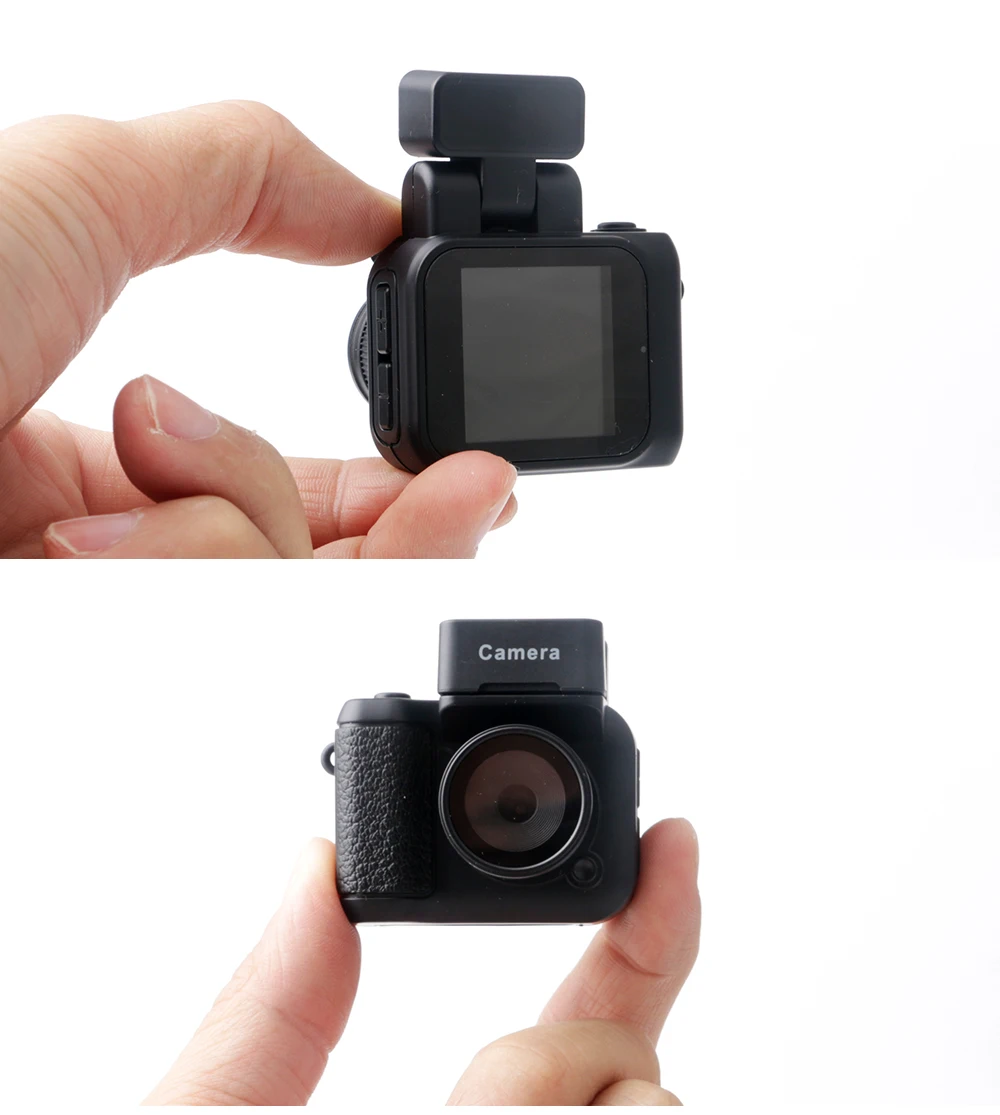
3. [Y3000, Y4000] These two mini camcorders come with a display, so you can watch video photos at any time. Y2000] does not have a display.
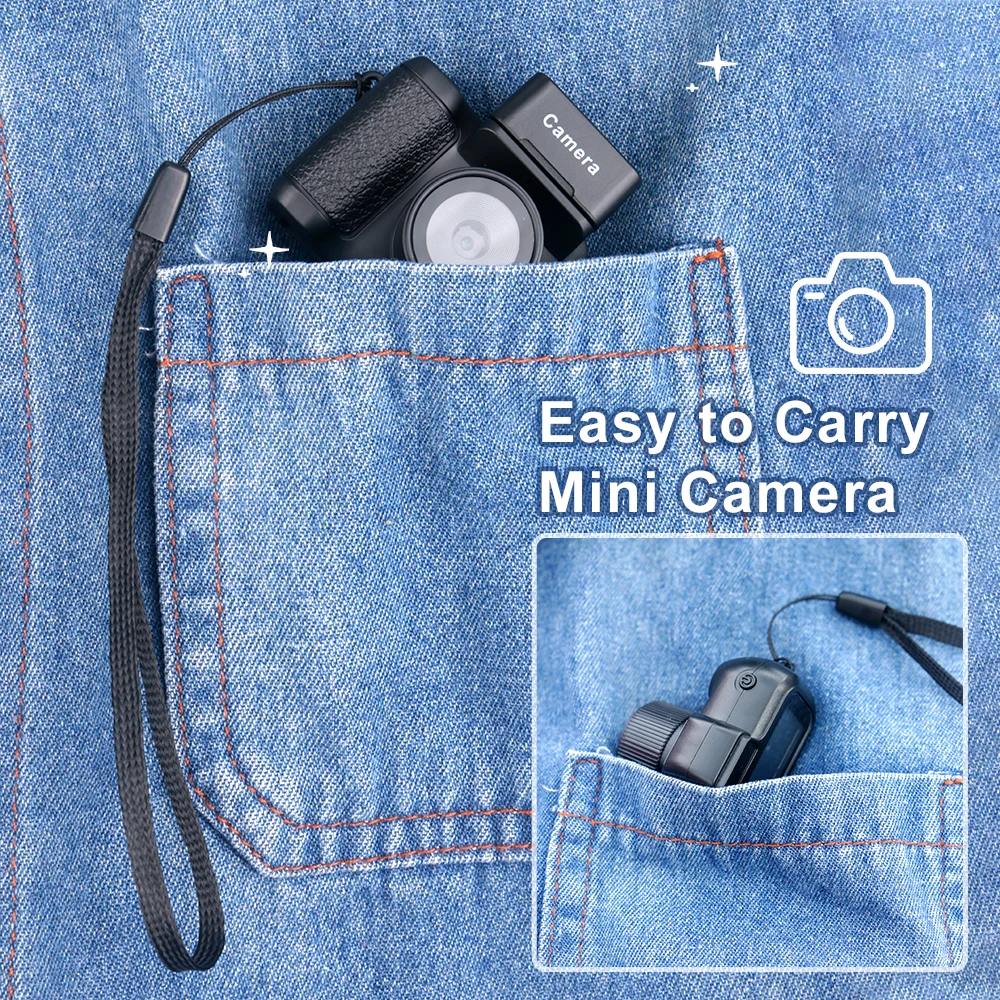
4. One key video recording, easy to operate, easy to carry, record life, video evidence.
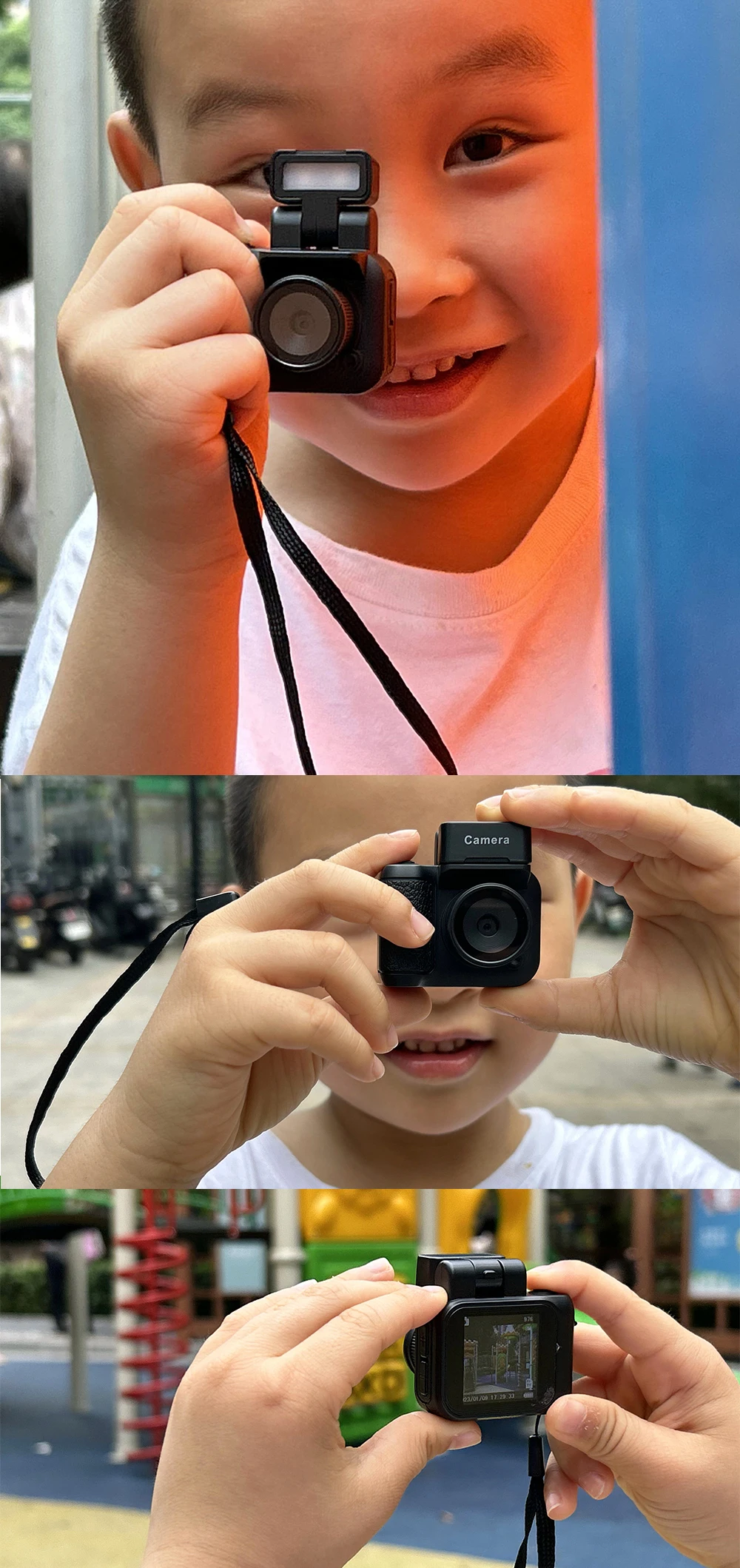
5.Can be used as a gift for children, friends, partners and so on. Suitable for school, outdoor sports, traveling, hiking, cycling, etc.
Product Parameters:
Y4000:
Screen size: 1.44inch
Quick time: AVI
Video resolution:1920*1080P
Photo resolution:3760*2128
Video frame rate:30 frames
Picture format:jpg
Image scale:4:3
Battery capacity:180ma/480ma
Working hours: About 600 minutes
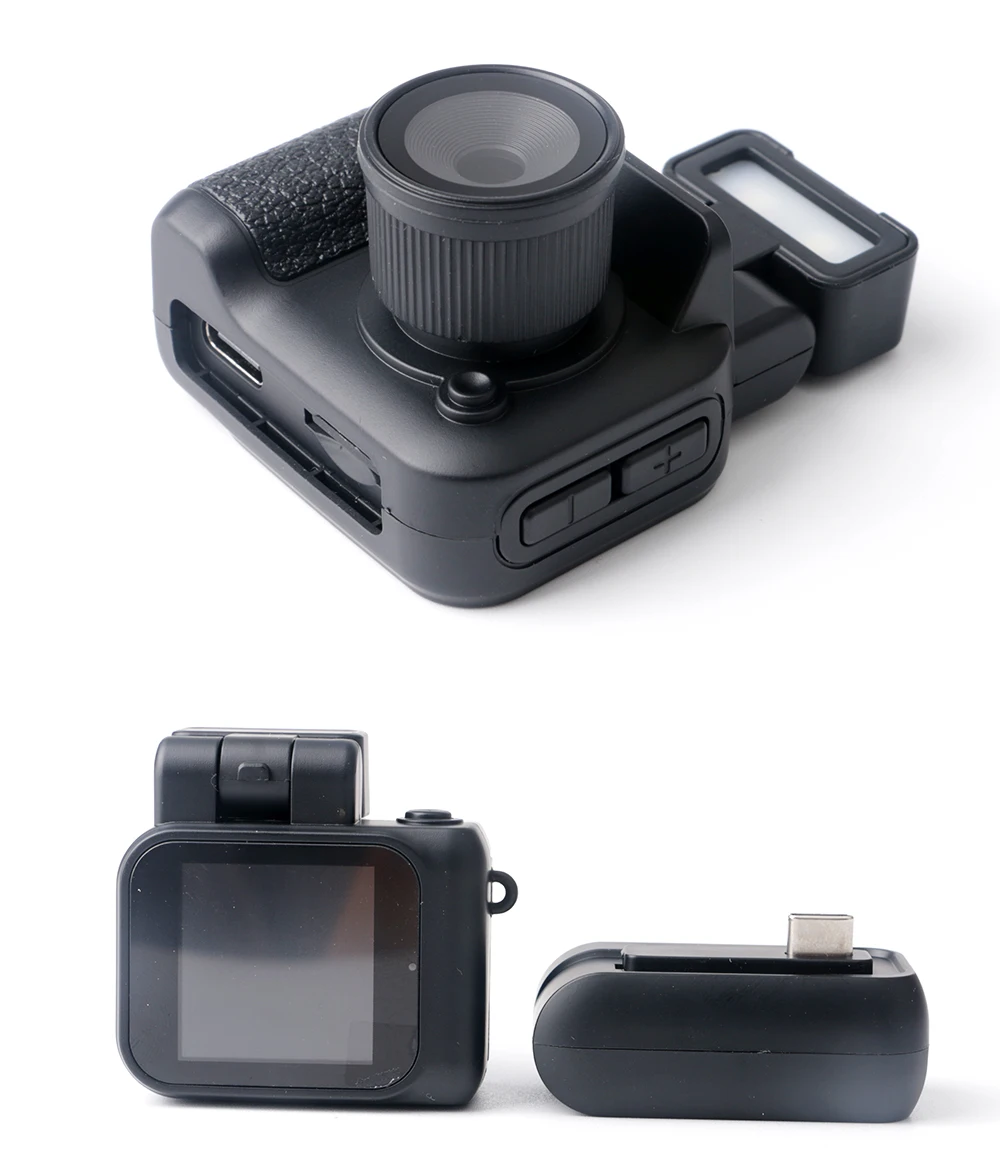
Charging voltage:DC-5V
Storage card: TF card (8-256G)
Y3000:
Screen size:0.96inch
Screen size:0.96inch
Quick time: AVI
Video resolution:1920*1080P
Photo resolution:3760*2128
Video frame rate:30 frames
Picture format:jpg
Image scale:4:3
Battery capacity:180mAh
Working hours: About 100 minutes
Charging voltage:DC-5V
Storage card: TF card (8-128G)
Y2000:
Video format: AVI
Video encoding: M-JPEG
Video resolution: 640*480
Picture format: JPG
Picture pixel: 1600*120
Charging voltage: DC 5V
Interface type: USB
Storage card: TF card (8-32G)
Date and Time Settings
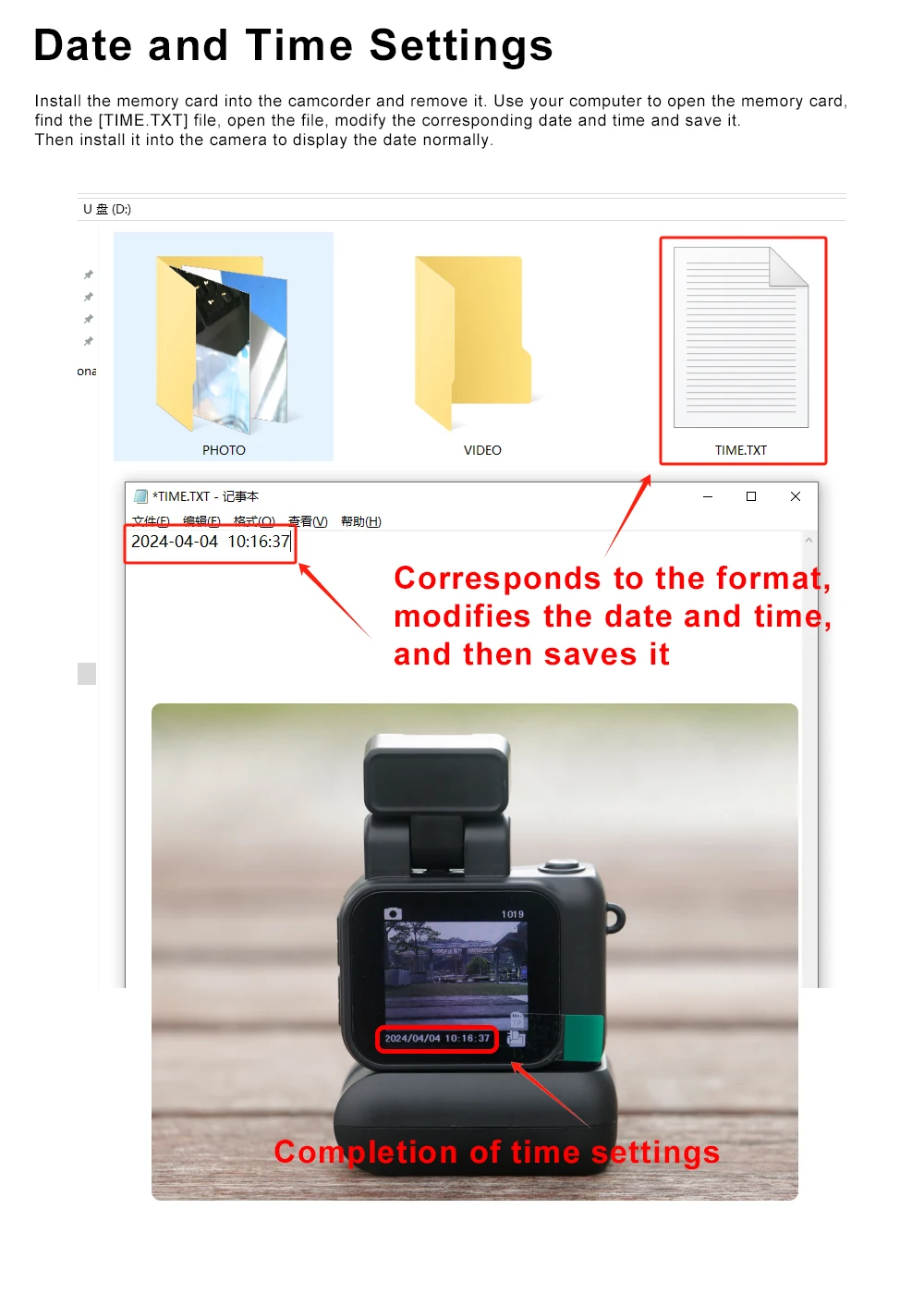
Install the memory card into the camcorder and remove it. Use your computer to open the memory card, find the [TIME.TXT] file, open the file, modify the corresponding date and time and save it. Then install it into the camera to display the date normally.


 No products in the cart.
Reviews
There are no reviews yet.